Dashboards
Dashboard reports
The Dashboard is the first screen you see when you open eBG Commerce.
3 Months Report (Chart)
This report summarises the total number of orders and items sold over the last 3 months relative to the largest number of daily orders (green)/item (red) sales in that period (shown as 1.0)
![3 Months Report]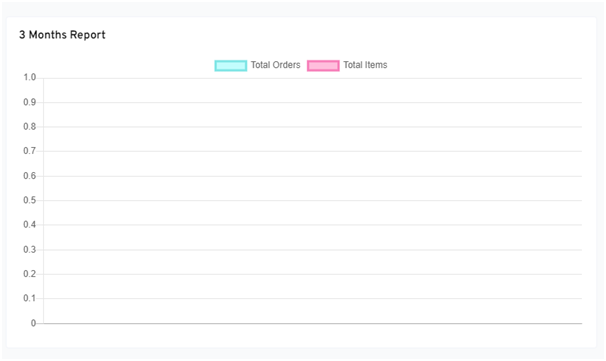
Revenue for 3 months
This shows the total revenue from your sales over the previous 3 month period
![Revenue for 3 months]
Daily Report (Chart)
This report summarises the total number of orders (red) and items (green) sold on the current day relative to the largest number for the given period (hour) shown as 1.0.
![Daily Report]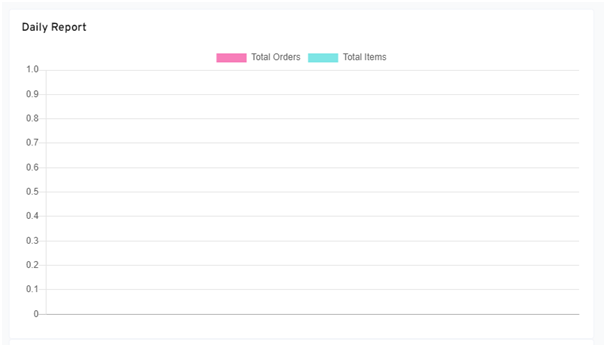
Daily Report (List)
This shows the total number of orders and total number of items sold for each date, along with the total sales value.
![Daily Report]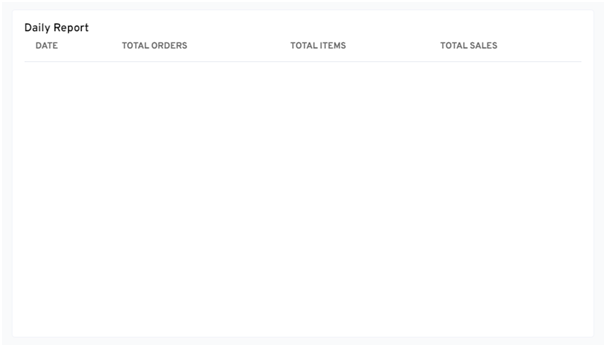
3 Months Report (List)
This shows the total number of orders and total number of items sold for each month, along with the total sales value.
![3 Months Report]