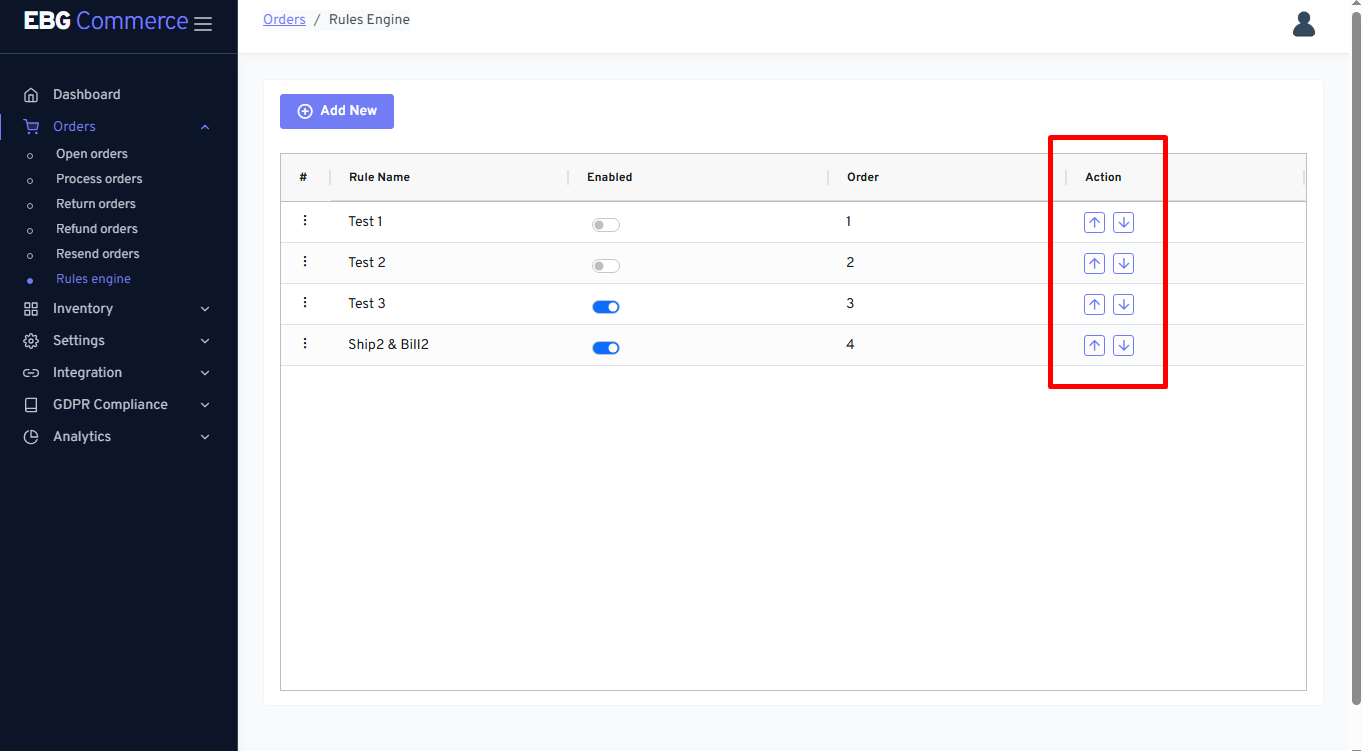
Rules engine
This feature is helpful to assign an appropriate shipping service while downloading the orders into the open order screen. Sellers need to design/develop rules engines based on their business requirements. Using this feature reduce less manual work of assigning shipping service individually to every order that downloads into system
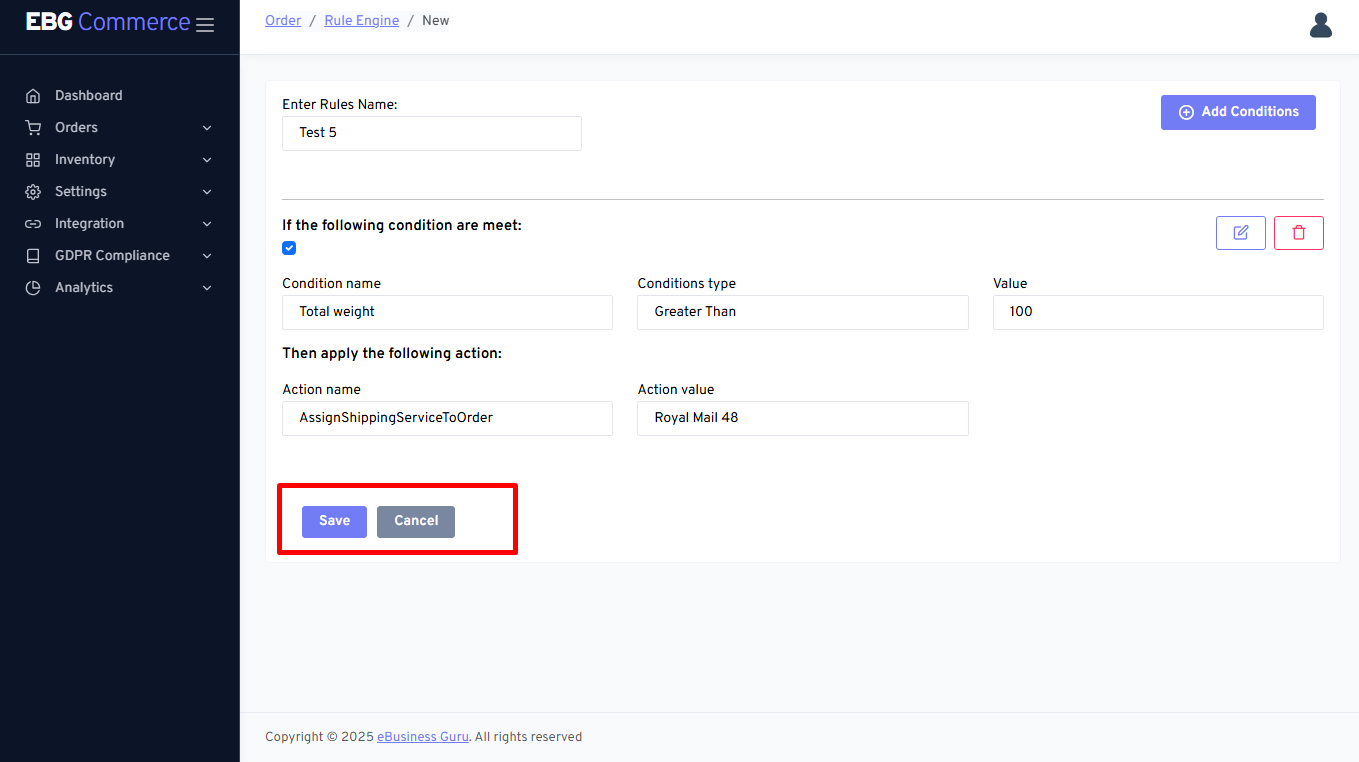
Note:- It’s recommended that sellers should create separate rules individually and save it after making any changes into one condition/rule. If multiple rules get created/edited/modified together at once then the changes won’t be reflected in the rules engine.
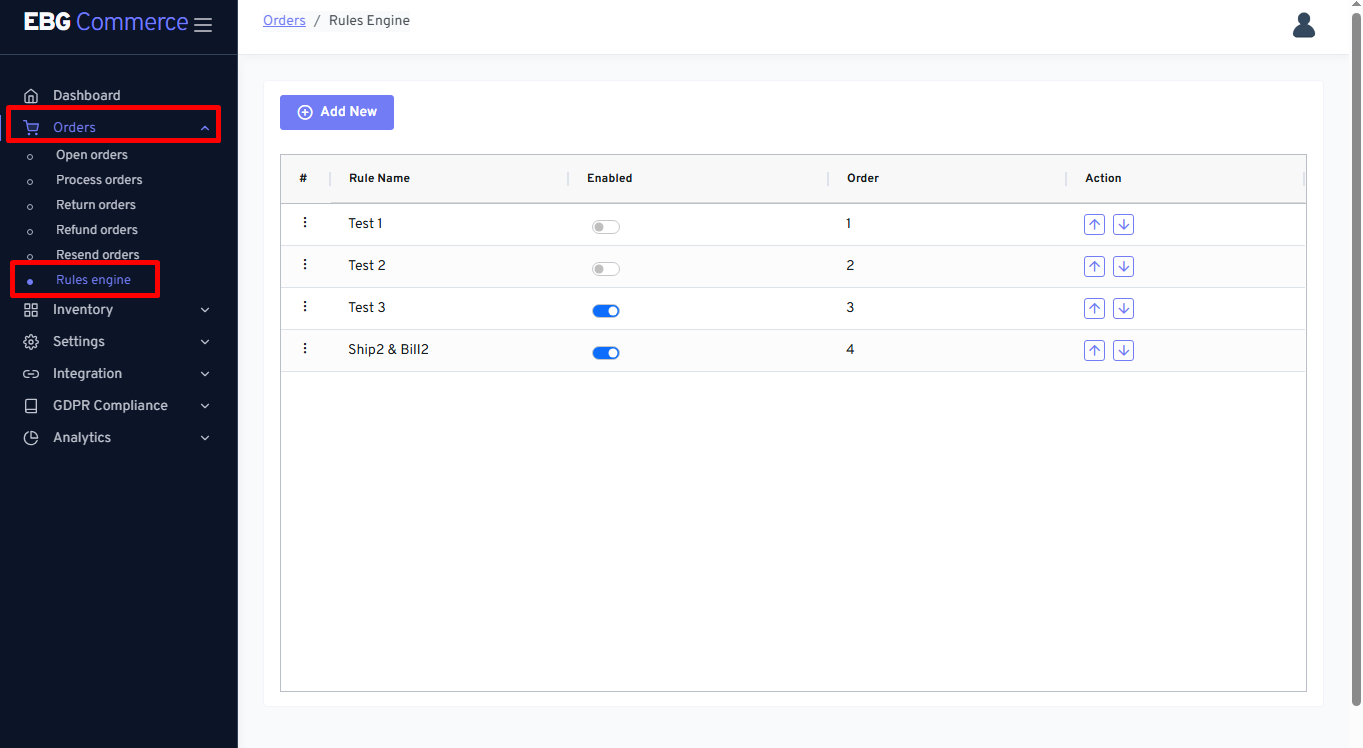
Rules engine screen
Go to Orders section and click on Rules engine so that below page will be displayed
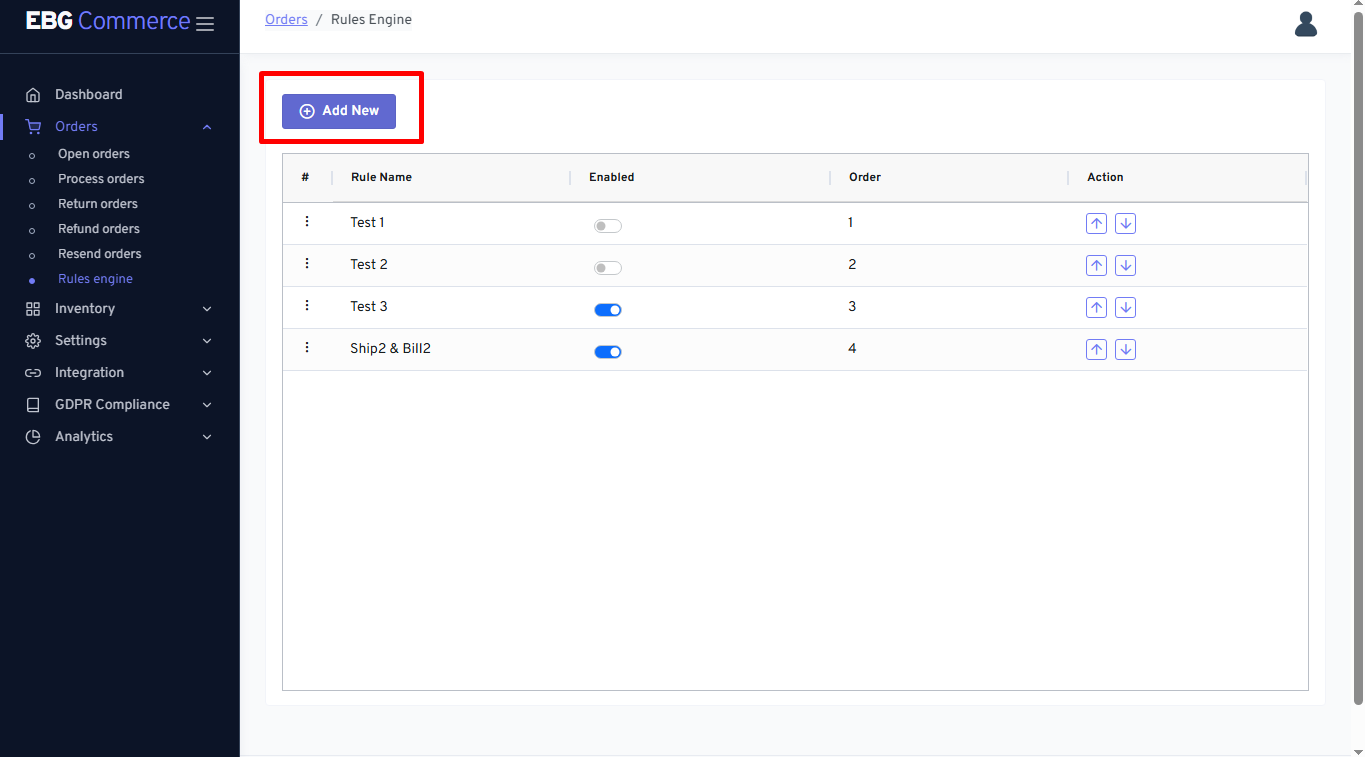
Add New Rule
Add New - Using this option, seller can create new rule
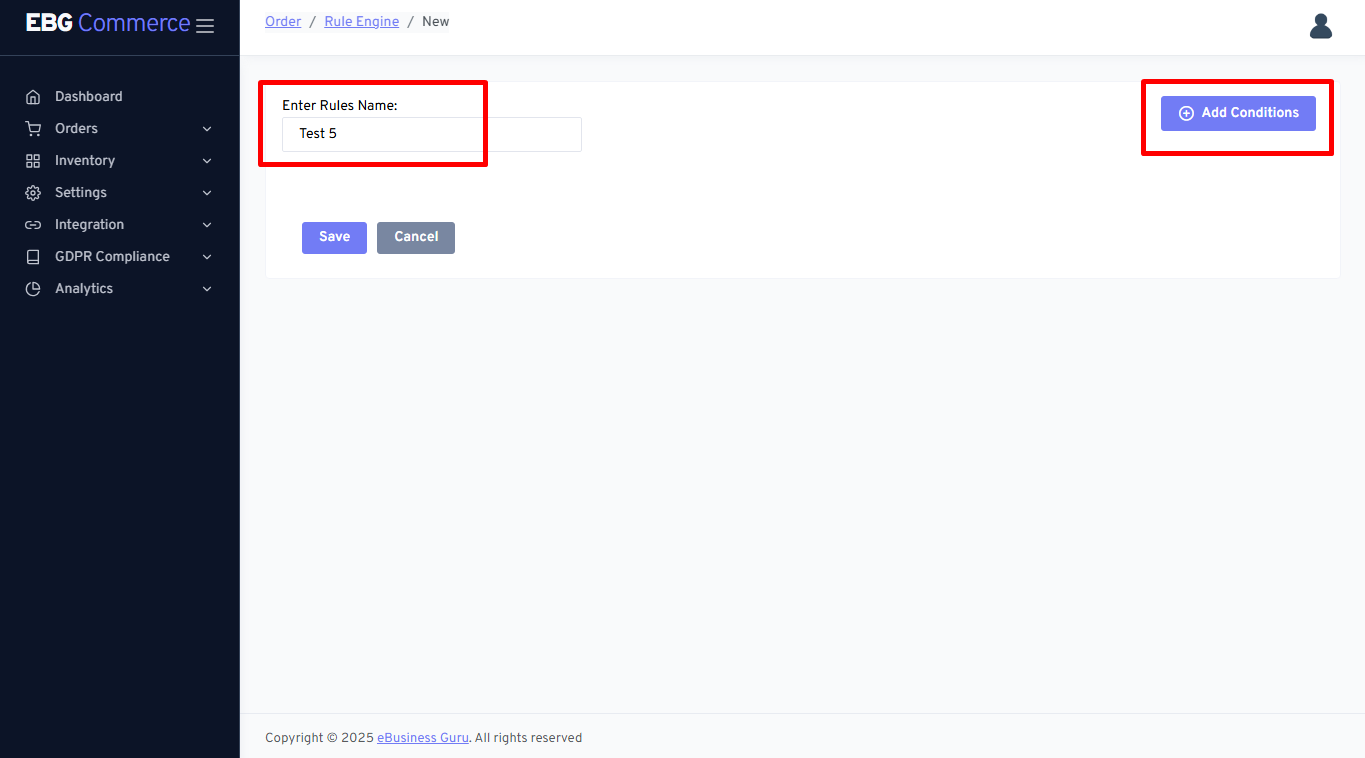
Enter the rule name and click on Add conditions
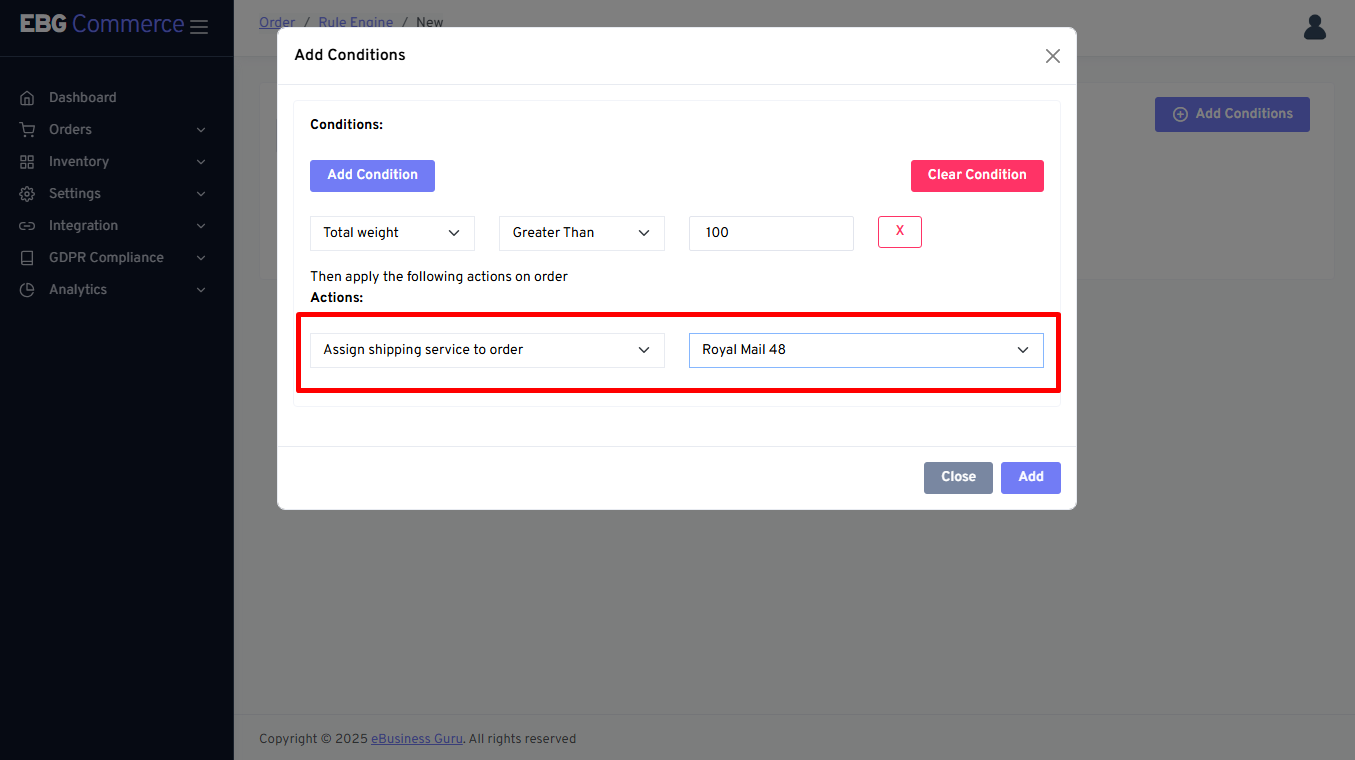
Add condition page - It display the page like below snapshot
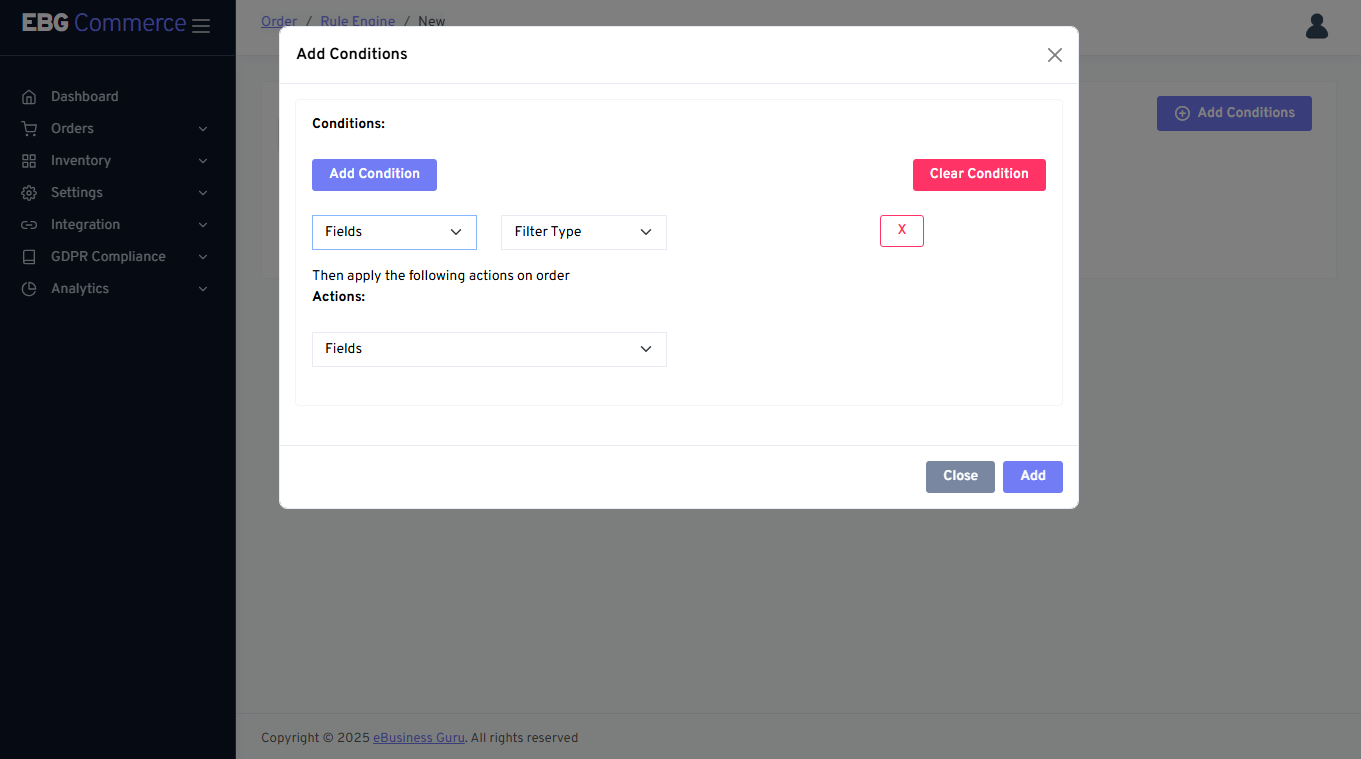
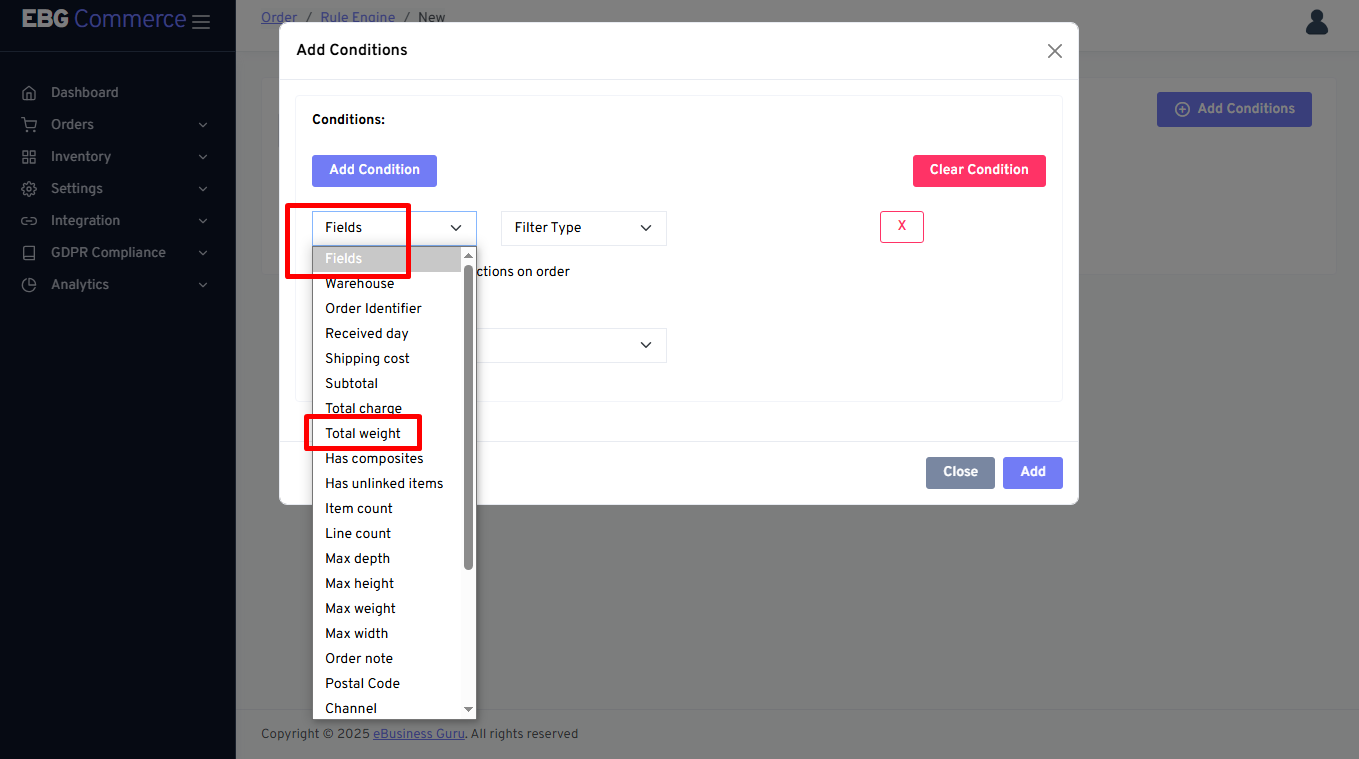
Select Conditions fields
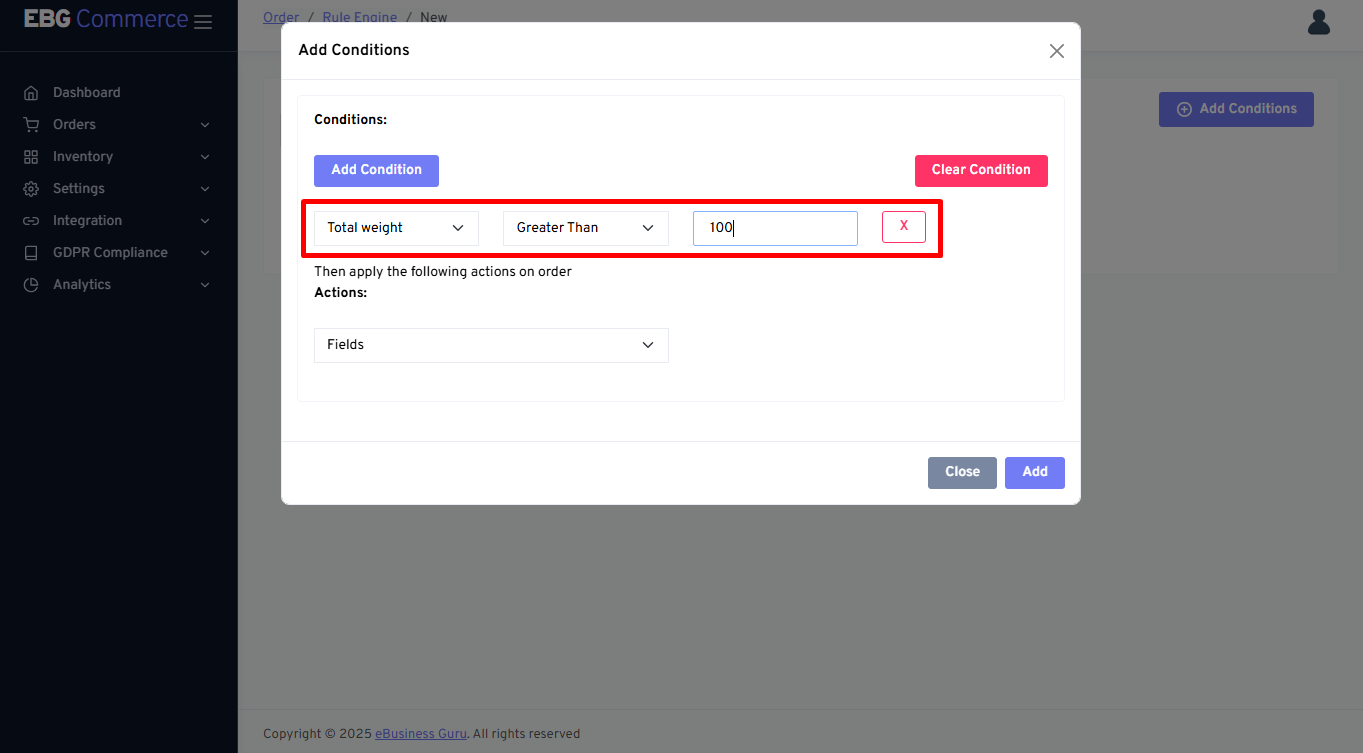
Add logical condition
Select Actions fields
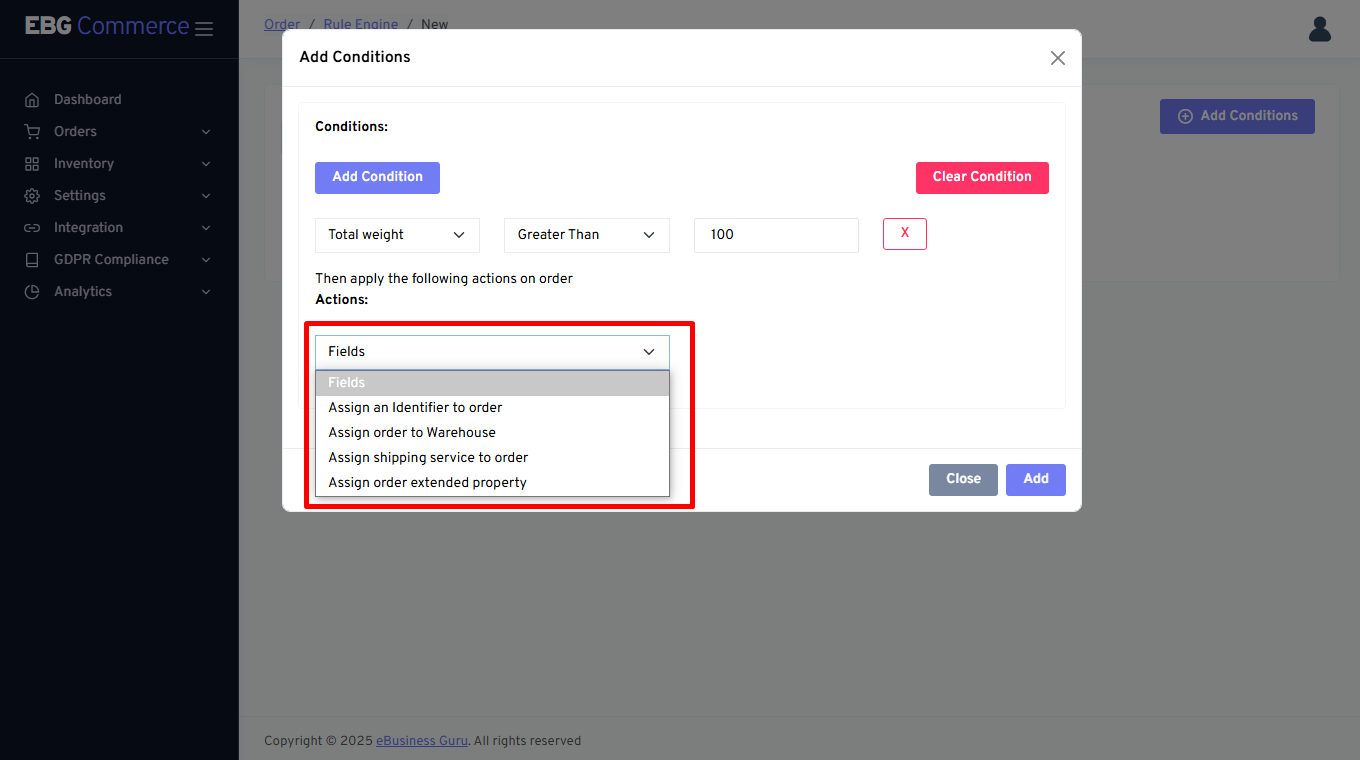
Define Action details properly
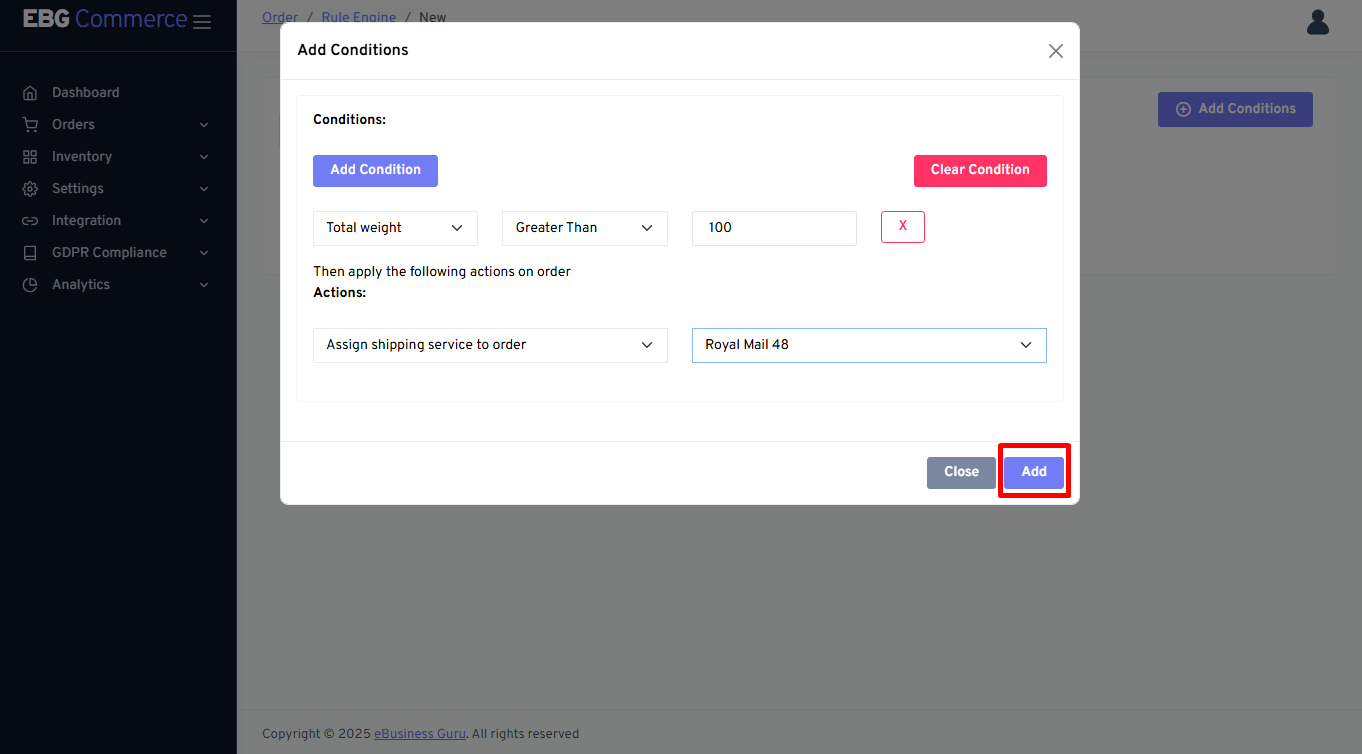
Click on Add button to create rule
It is recommended to add one by one rule by clicking on Save button
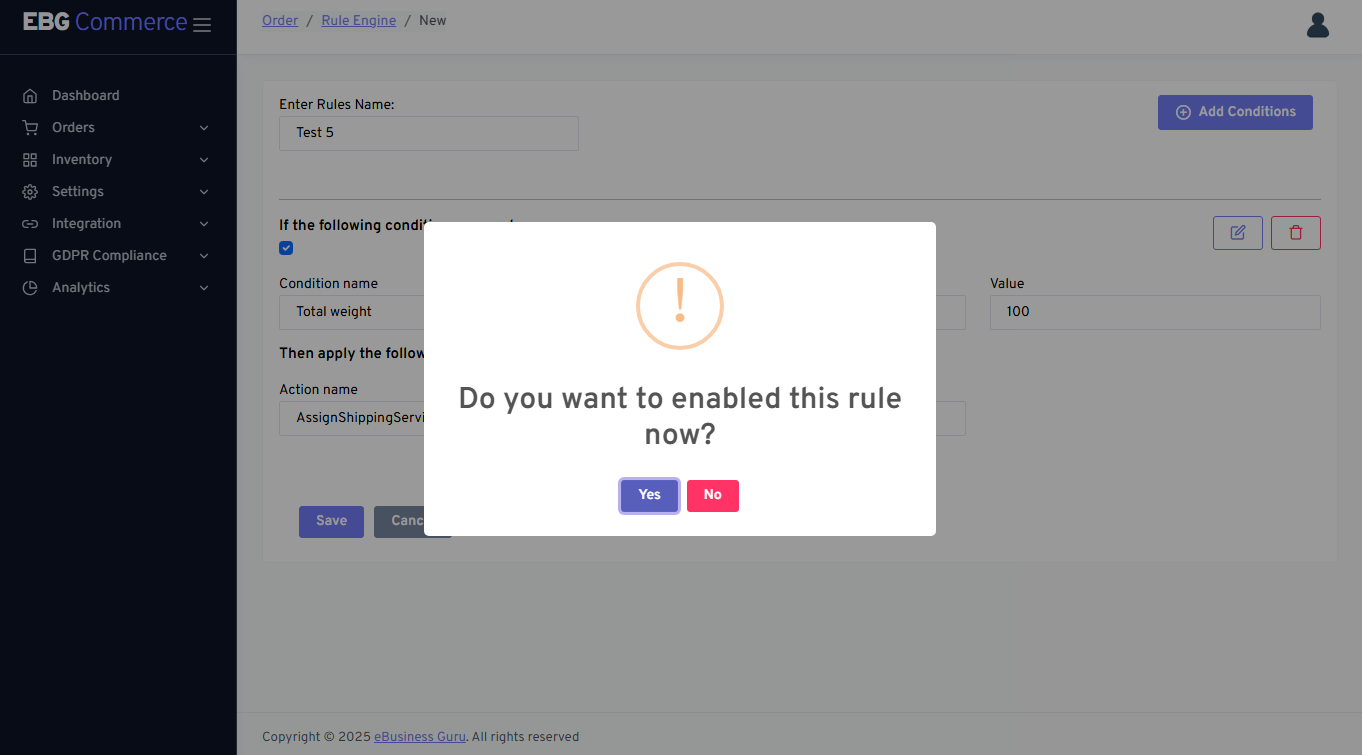
It will be asking to rule needs to be enabled or disabled
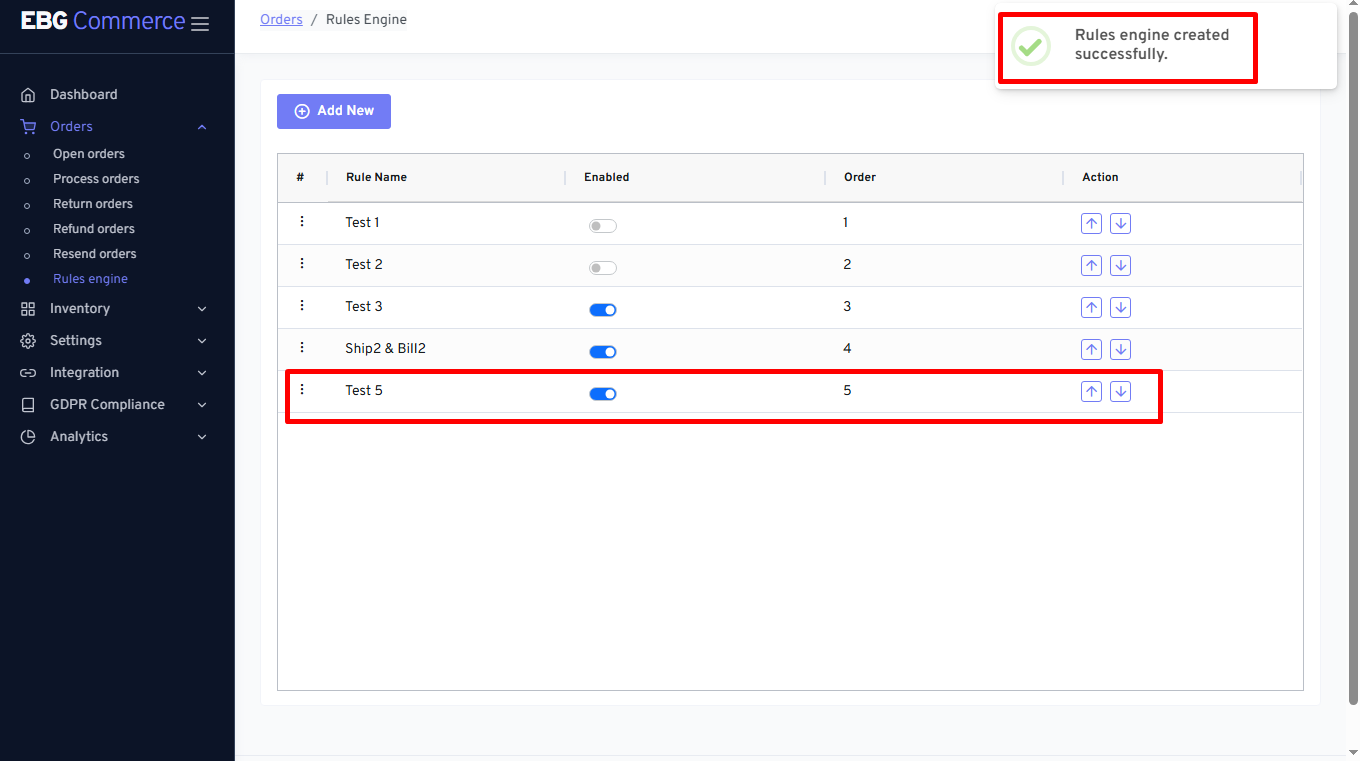
Confirmation message of created rule
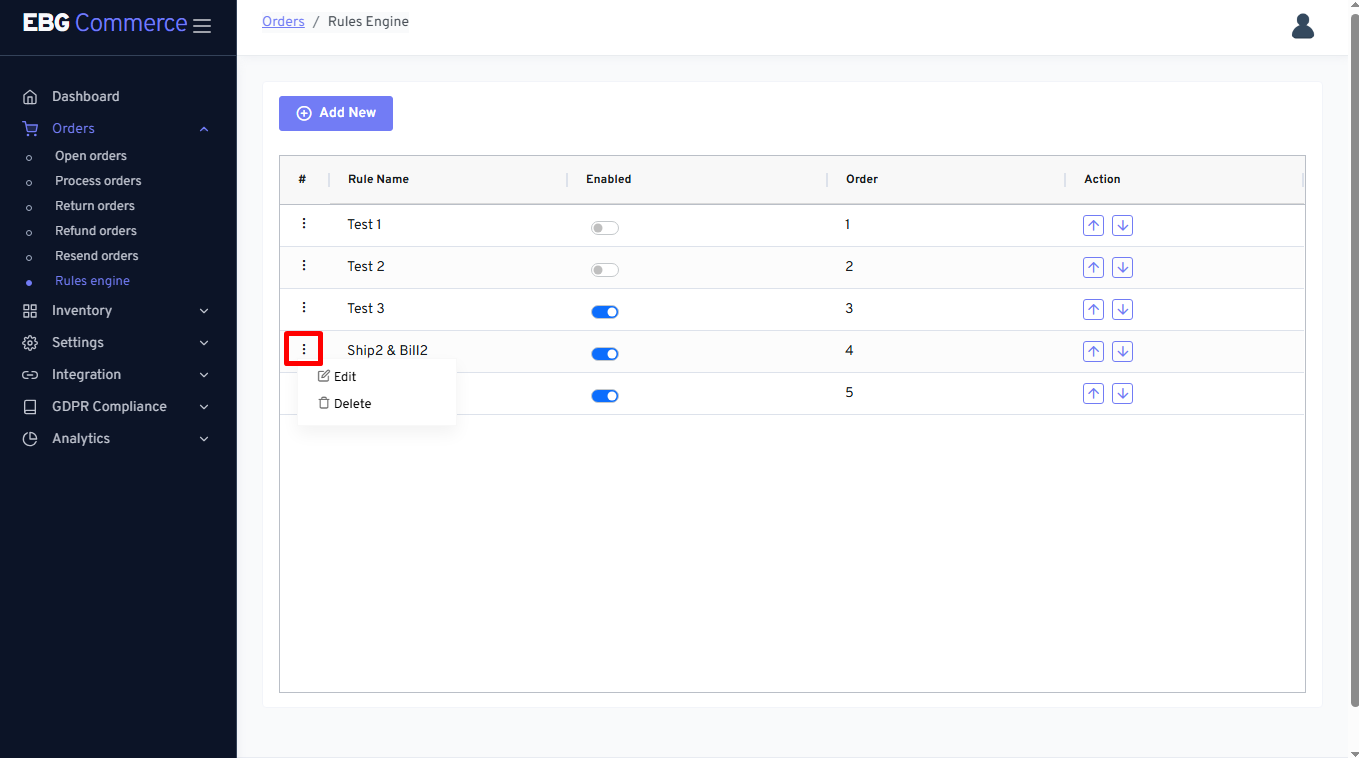
Rules engine - Three dot menu options
This three dot menu option helpful to Edit or Delete the rules
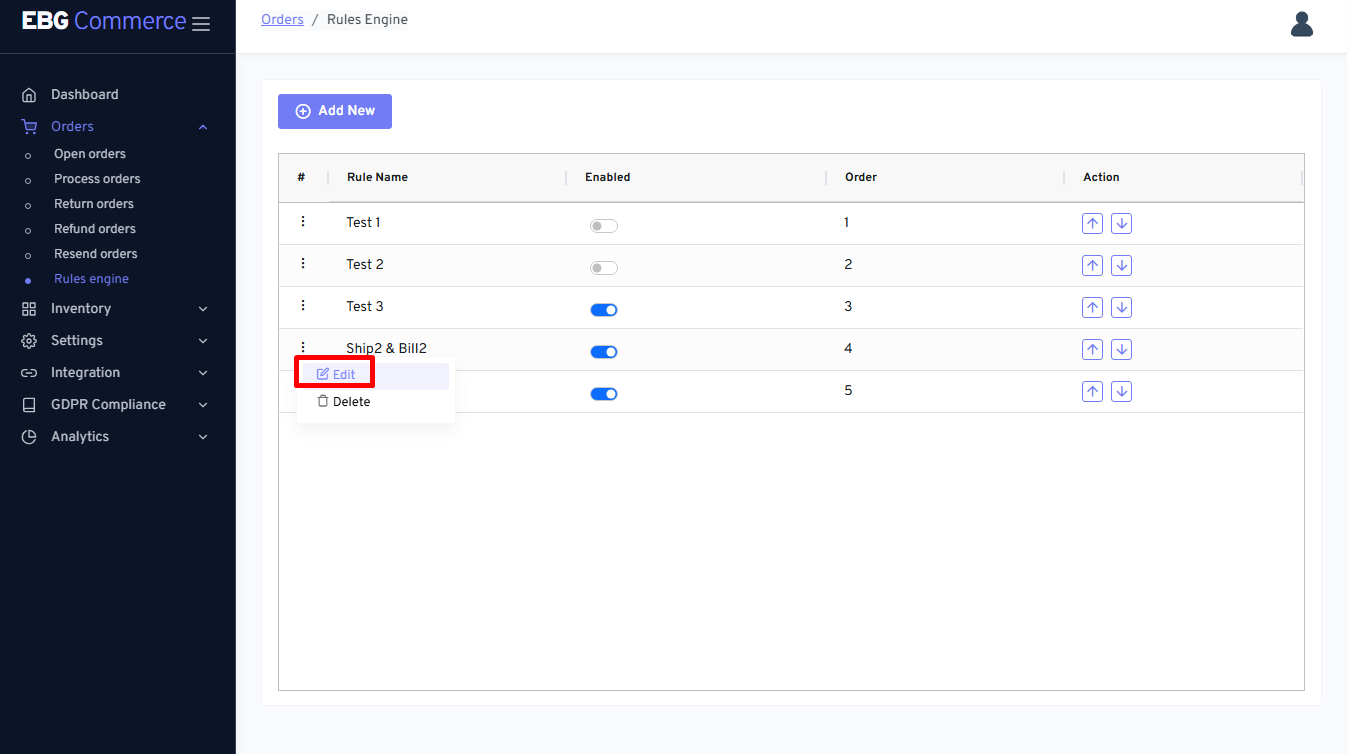
Edit rule
Edit rule - click on Edit button
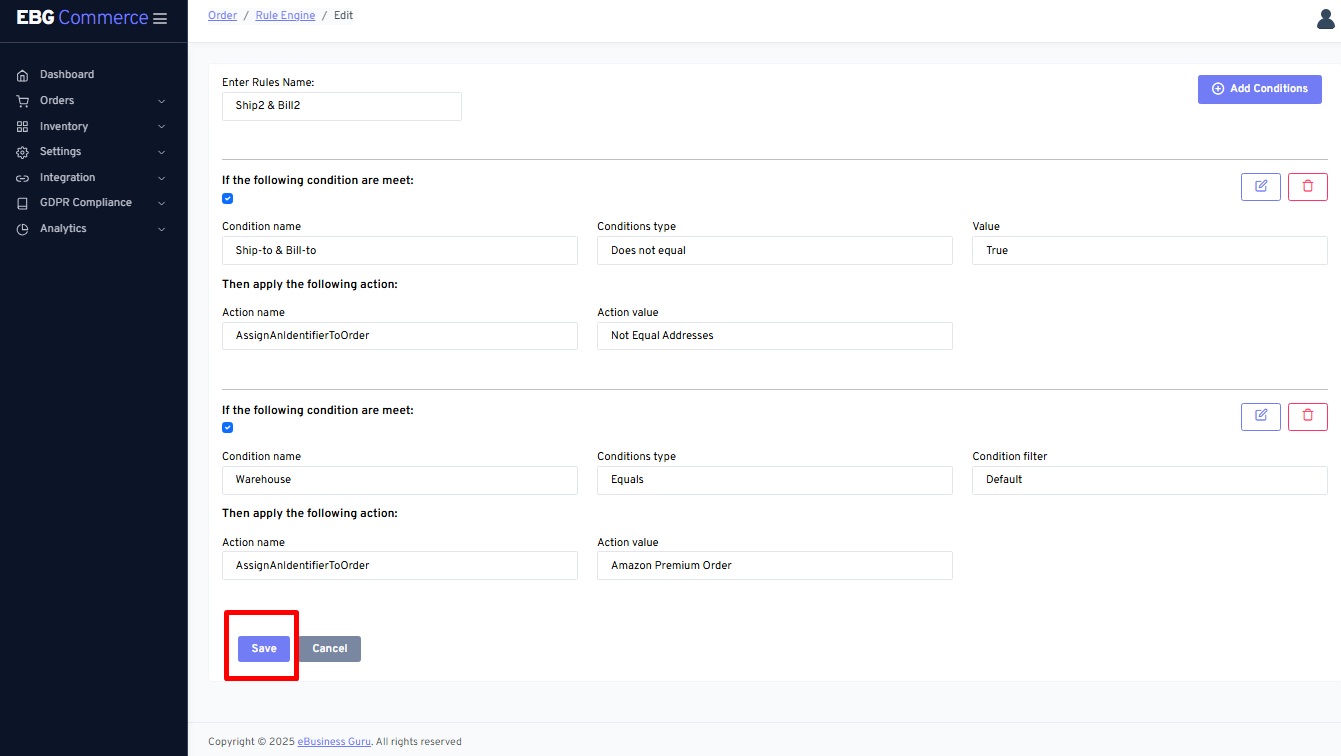
While Edit the rules, seller can change condition by editing, and/or delete rules
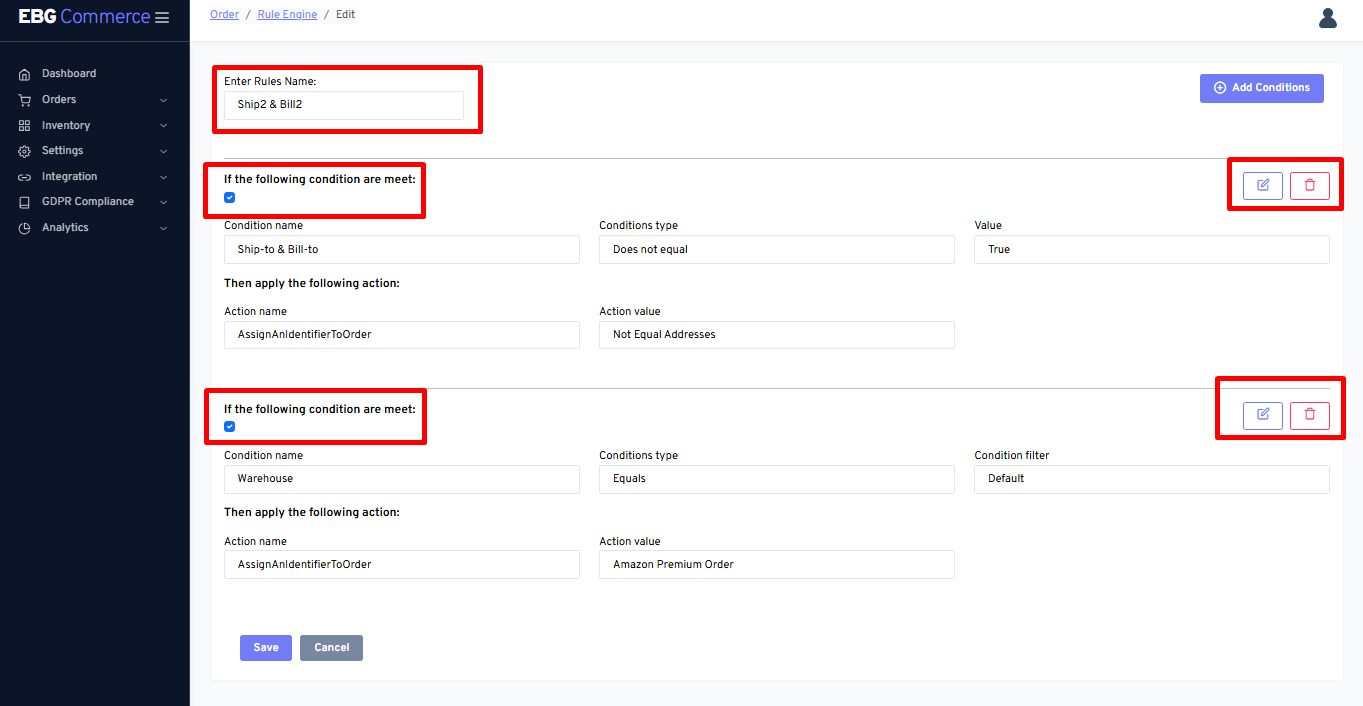
By clicking on the Save button, made changes will be saved.
Delete Rule
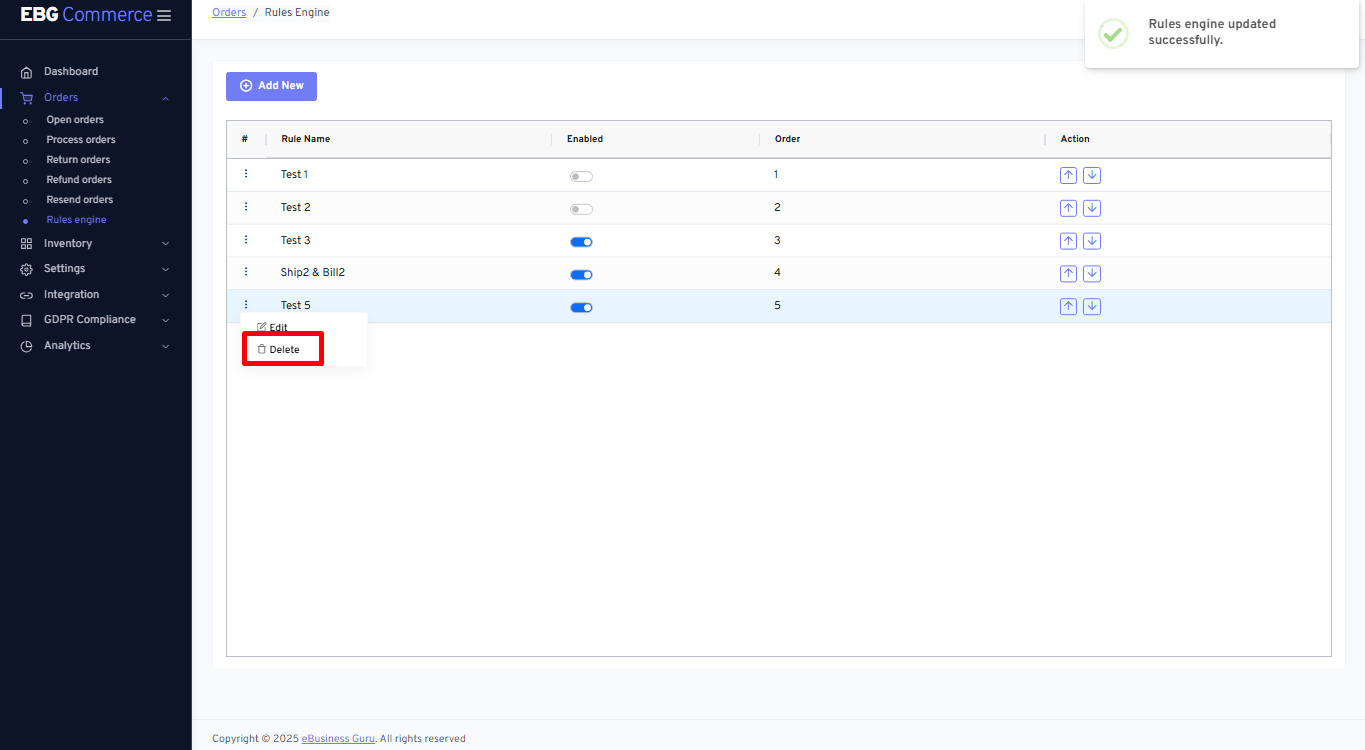
Delete Rule - This option will delete the created rule
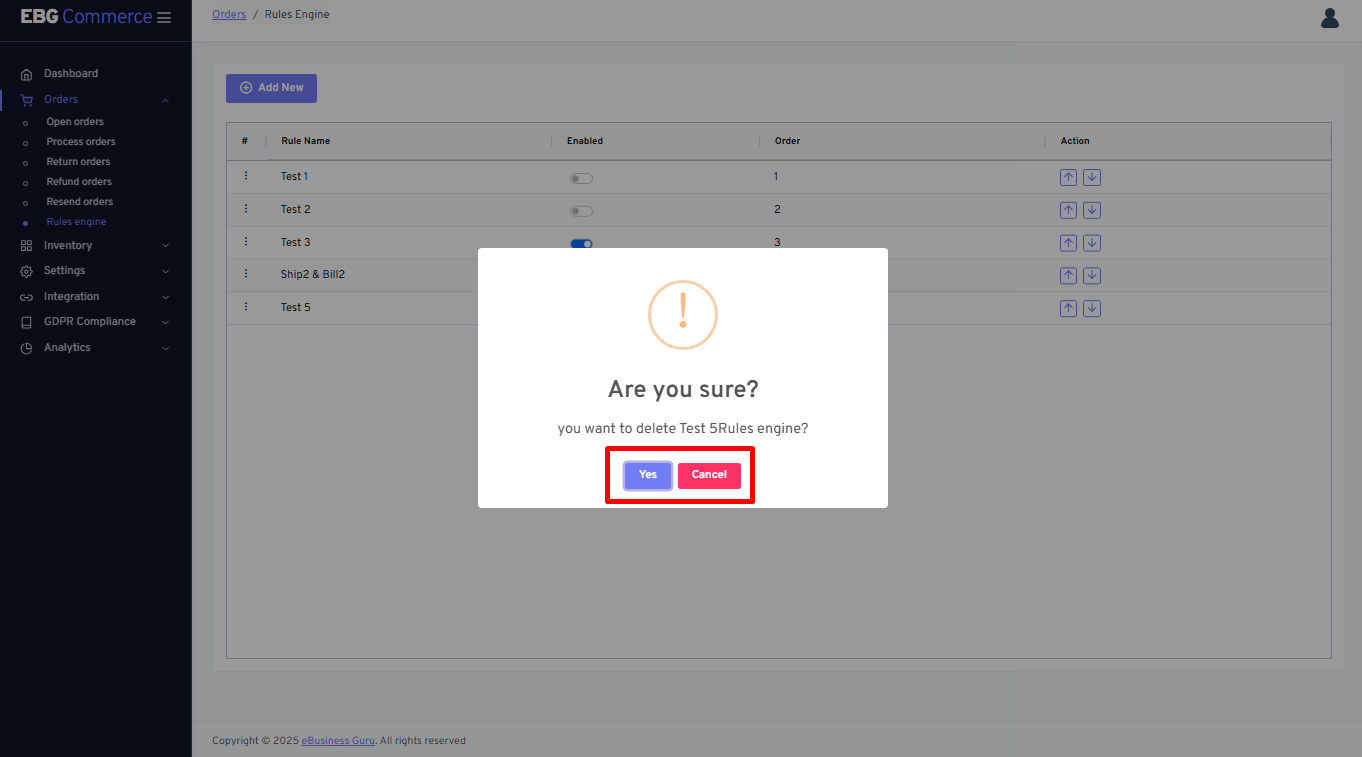
Pop up message will ask for confirmation to proceed further
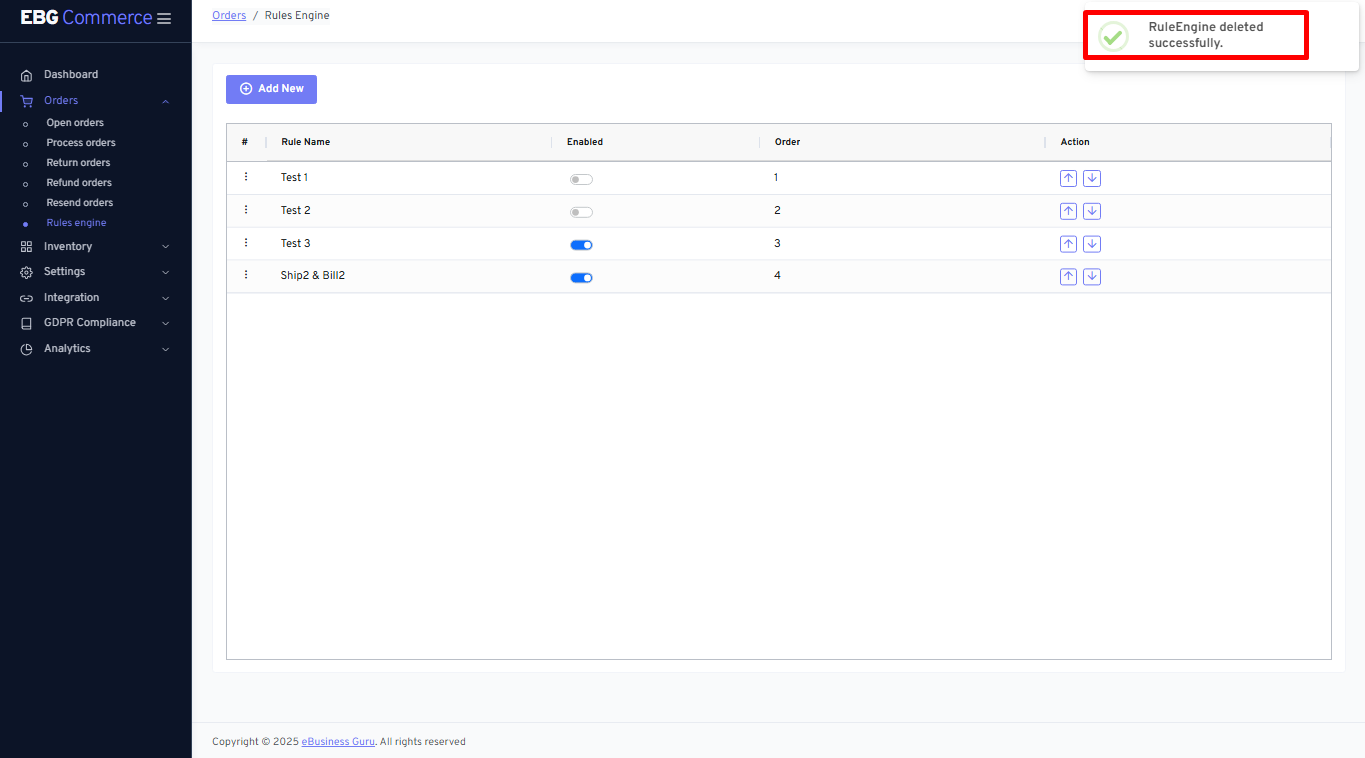
Confirmation message will be displayed for deleted rule
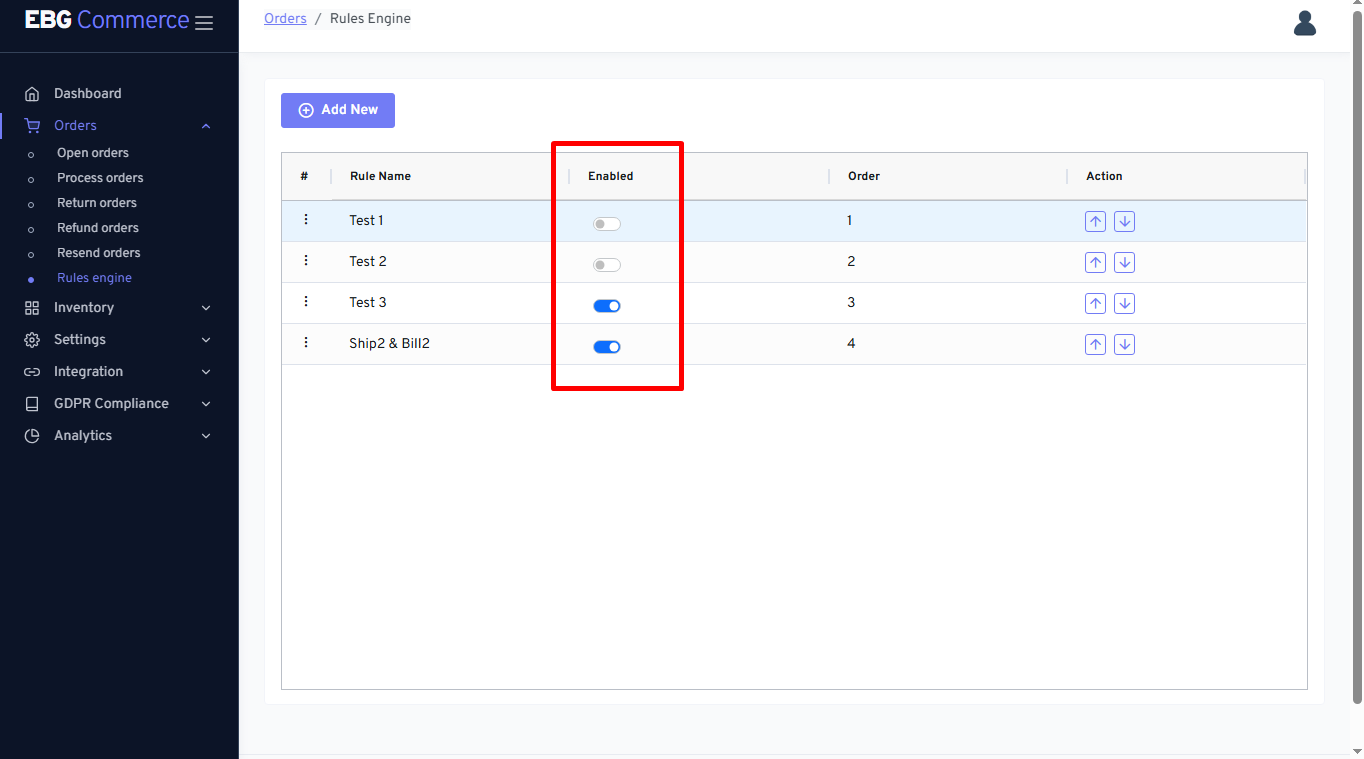
Enable Rule
Enable - This column will be useful to make rule enabled/disabled
Action
Action column helpful to change priority for rule execution